
If your Keurig K-Mini Single Serve Coffee Maker isn’t turning on, it can be frustrating, especially when you’re craving a fresh brew. Fortunately, many power issues are simple to diagnose and fix with basic troubleshooting steps. This guide will walk you through common causes and safe remedies to get your Keurig back in working order quickly.

Get coffee and tea gear delivered free with Prime
- Fast, free delivery on millions of items
- Prime Video, Amazon Music and more included
- Member-only deals all year
Before proceeding, ensure your coffee maker is plugged into a working outlet and that the power switch is properly engaged. If these basics are in place and your machine still won’t turn on, follow these detailed steps to identify and resolve the problem safely.
Key Takeaways
| Power Source | Check the outlet and power cord for proper connection. |
| Control Switch | Ensure the power button is pressed firmly and properly. |
| Internal Issues | Possible internal malfunction or electrical fault. |
| Reset & Maintenance | Reset the machine or perform descaling if needed. |
Check the Power Outlet and Cord
- Verify the outlet is working by plugging in another device, like a lamp.
- Inspect the power cord for damage or fraying.
- Ensure the cord is securely connected to the machine and the outlet.
Ensure Proper Power Button Engagement
- Press the power button firmly to ensure it’s activated.
- Look for any indicator lights that confirm power is on.
- If no lights appear, proceed to check the outlet and cord again.
Perform a Hard Reset
- Unplug the Keurig from the power source.
- Wait at least 60 seconds to allow internal components to reset.
- Plug it back in and press the power button again.
Inspect for Internal or Electrical Faults
If the machine still doesn’t turn on, internal components like the fuse or circuitry may be faulty. At this stage, consider contacting Keurig customer support or a qualified repair technician.
Perform Maintenance or Descaling (if applicable)
While descaling won’t fix power issues, a clogged machine can sometimes cause electrical problems. Use a descaling kit like the Keurig 3-Month Brewer Maintenance Kit to ensure your machine is clean and functioning optimally.
The Products in This Guide

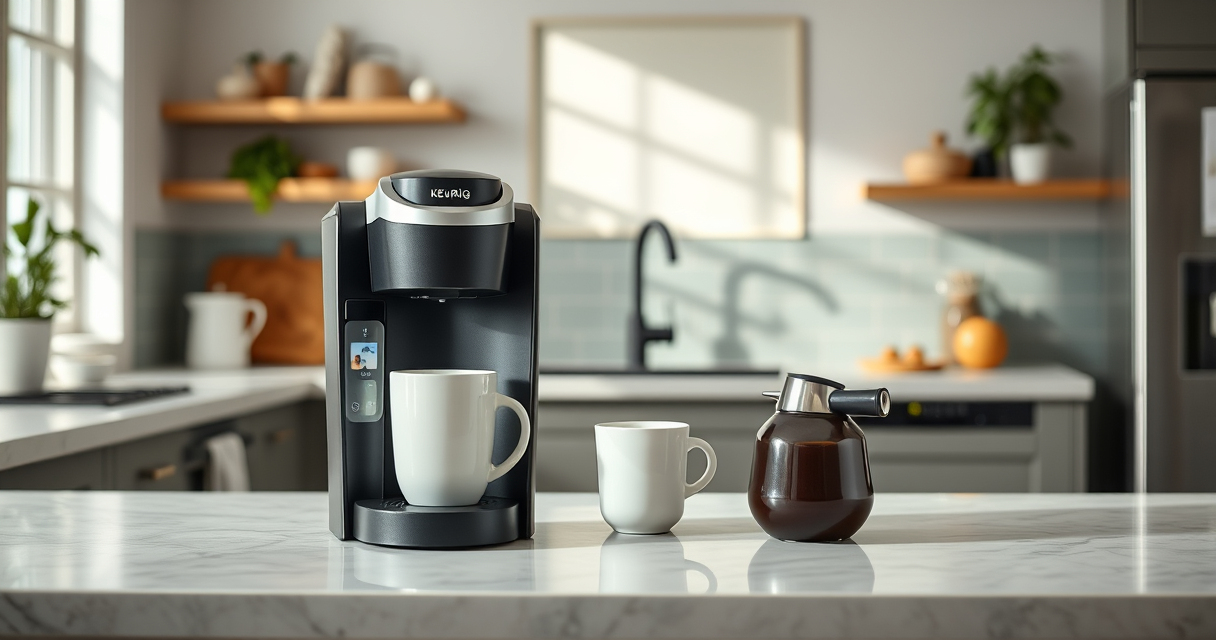
Keurig K-Mini Single Serve K-Cup Pod Coffee Maker
- ✔ Cord Storage: Yes
- ✔ Travel Mug Friendly: Yes
- ✔ Auto Off: Yes

My K-Cup® Reusable Coffee Filter
- ✔ Brew Type: Ground Coffee
- ✔ Dishwasher Safe: Yes
- ✔ Material: Plastic & Silicone
Keurig K-Mini Single Serve K-Cup Pod Coffee Maker
The Keurig K-Mini Single Serve K-Cup Pod Coffee Maker is a space-saving, efficient machine perfect for small spaces and quick brewing. Its simple design makes troubleshooting straightforward.
Pros:
- Fits any small space
- Brews in minutes
- Removable drip tray for travel mugs
- Energy-efficient auto off
Cons:
- Limited to 6-12oz brew sizes
- No internal water reservoir
- Can be sensitive to power surges
Best for: Small apartments, dorms, or offices needing quick coffee.
Not ideal for: Users seeking large volume brewing or advanced features.
Bottom line: A compact, dependable coffee maker ideal for small spaces and quick brews.
My K-Cup® Reusable Coffee Filter
The My K-Cup® Reusable Coffee Filter allows you to brew your favorite ground coffee, providing flexibility and cost savings. It’s compatible with Keurig models and easy to use.
Pros:
- Brew with ground coffee
- Reusable and eco-friendly
- Easy to clean
- Compatible with various Keurig models
Cons:
- Requires measuring ground coffee
- May slightly alter brew time
- Needs regular cleaning
Best for: Keurig users wanting to customize their coffee or save on pods.
Not ideal for: Those preferring pre-packaged K-Cups for convenience.
Bottom line: A convenient reusable filter that enhances flexibility for ground coffee lovers.
Frequently Asked Questions
What should I do if my Keurig still won’t turn on after troubleshooting?
If basic checks and resets don’t work, contact Keurig customer support or a qualified repair technician to diagnose internal electrical issues.
Can power surges affect my Keurig?
Yes, power surges can damage internal components. Using a surge protector can help prevent this issue.
Is it safe to open my Keurig to inspect the internal parts?
No, opening the Keurig can be dangerous and may void your warranty. Always seek professional repair services if needed.
How often should I descale my Keurig?
Descale your Keurig every 3-6 months, especially if you notice mineral buildup or reduced performance.
Power Up Your Coffee Routine Again
Most power issues with your Keurig K-Mini can be resolved through simple troubleshooting steps like checking the outlet, resetting the machine, or inspecting the power cord. If problems persist, professional repair or support may be necessary. Keeping your machine well-maintained ensures you enjoy fresh coffee with minimal hassle.
Affiliate disclosure: As an Amazon Associate we earn from qualifying purchases. Prices and availability are accurate as of the time of publishing.
Halloween Picks
halloween
As an affiliate, we earn on qualifying purchases.